01 / CULLING & REVIEW
Find the best.
Understand the rest.
Flag missed focus, blinks, exposure problems and near-duplicate bursts. Review keep, maybe and reject suggestions with reasons you can act on.

 LoupeKindGet the app
Photo culling. Keeper shaping. All in your corner.
You’ve got the photographs.
Let’s get you to the good ones.
Catch missed focus. Compare similar frames. Straighten, crop and clean up the keepers. A local photo studio that helps you move forward—with your eye in charge.
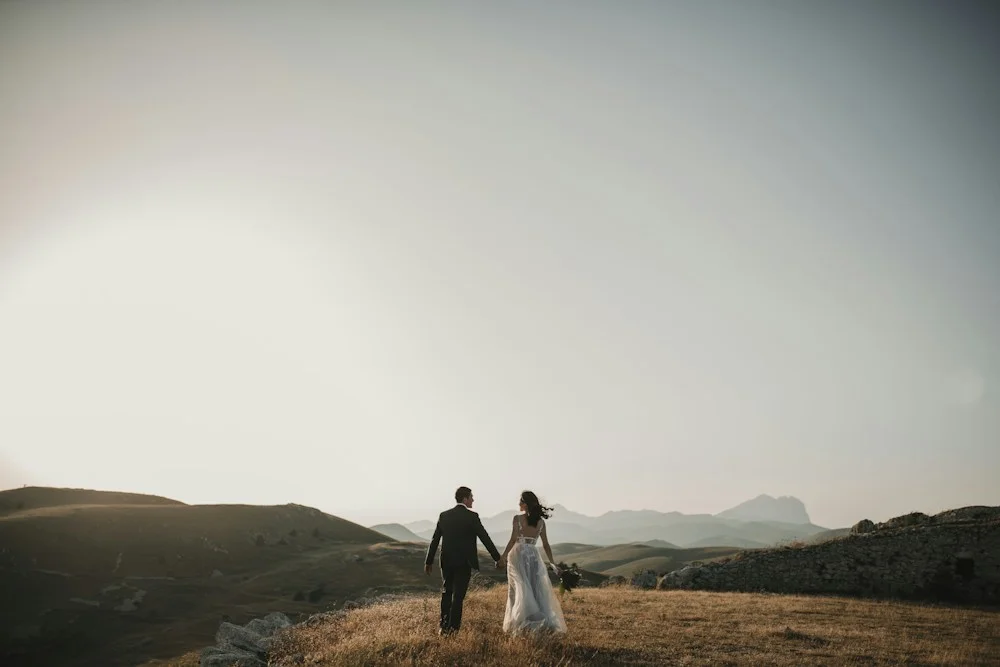
LoupeKind / A day to remember● Original protectedAn illustrative studio concept with example photography. Current releases use the Krites name. No automated image analysis runs in this website preview.
Big shoot. Clear next move.
Practical tools for the work after the shoot.
Kind to your time. Respectful of your eye.
Flag missed focus, blinks, exposure problems and near-duplicate bursts. Review keep, maybe and reject suggestions with reasons you can act on.
Level the horizon and tighten the composition. Keep your adjustments reversible, and carry supported changes into Lightroom.
 YOUR FRAME. YOUR FINISH.
Draw a region around an unwanted object and preview a local inpainted result. Accept it, redraw it or walk it back. Your original stays untouched.
The cleanup is a reversible record until you render an export.
Optional model setup and licence acceptance required. Read the commercial-use licence note ↗
Take verdicts, crops and straighten angles into Lightroom through XMP sidecars. Or export a rendered keeper set with your edits baked in.
Looks and object removals aren’t carried by XMP. Import rendered exports when you need those edits.
Your eye. A little help.
The kindness is in how it works: a reason you can understand, a choice you can revisit, and an original you know is still there.
Put it to workVerdicts and adjustments are records alongside the shoot. Export creates the edited images.
A workspace on your computer. Optional local face and eye analysis is off until you enable it.
Optional AI review only runs after you choose a provider and supply a key. That review can send frames to your selected provider.
Revisit a verdict. Refine a crop. Undo an adjustment. The final decision belongs to you.
Before you jump in
It’s a studio for culling and preparing a shoot. It doesn’t replace a photo library or a full RAW developer. XMP sidecars can carry verdicts, crops and straighten angles into Lightroom. Object removals are included in rendered exports instead.
For supported RAW containers, the current app uses the embedded JPEG preview for analysis and rendering. It does not develop the sensor data or provide RAW exposure latitude. You can carry supported decisions into Lightroom and finish from your originals.
The studio runs locally. Optional face and eye analysis can run locally too. If you configure optional provider-based AI review, that review can send selected frames to the provider you choose.
Enable a local removal backend and review and accept its model licence requirements. The current models have a commercial-use licence consideration described in the product documentation. Read that information before using cleanup commercially.
The underlying application is currently released as Krites. The download links below take you to those releases and installation instructions while the LoupeKind brand develops. Consult the release notes for supported platforms and current capabilities.
For the work you put your heart into
Photo culling, keeper shaping and a considered handoff.
One local studio. Your eye in charge.
Current downloads carry the Krites name. Installation guide ↗